
Techiaith TTS
Welsh system voices · iOS · Android · Windows
Natural Welsh voices for your phone, tablet and computer.
Three voices that speak Welsh and English, working in every app that speaks: screen readers, reading apps, navigation, messaging. Free, offline and private.
Developed by Bangor University’s Language Technologies Unit. Funded by the Welsh Government.
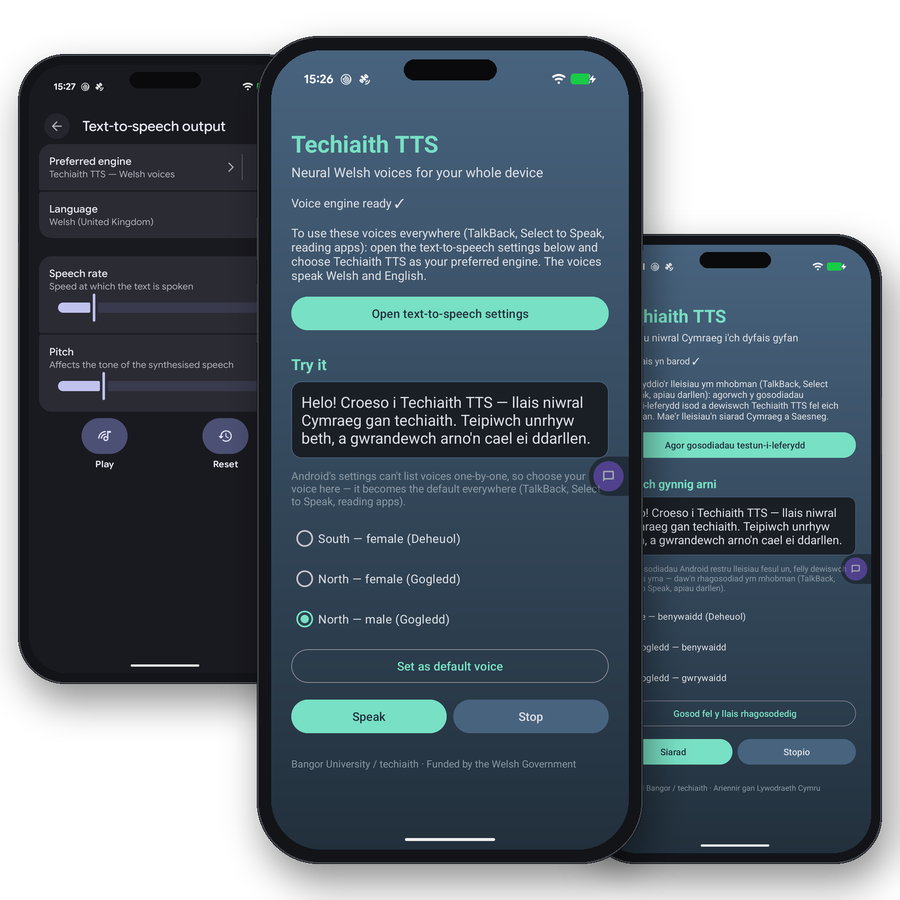
Welsh voices your device can use anywhere
Techiaith TTS adds Welsh voices to your device as system voices. Once selected, every app that speaks uses them: VoiceOver and TalkBack for people who use a screen reader, Speak Screen and Select to Speak for reading a page aloud, Narrator and NVDA on Windows, Read Aloud in Word, ebook and news readers, satnav. They are the same voices that power our online text-to-speech service, packaged to run on the device itself.
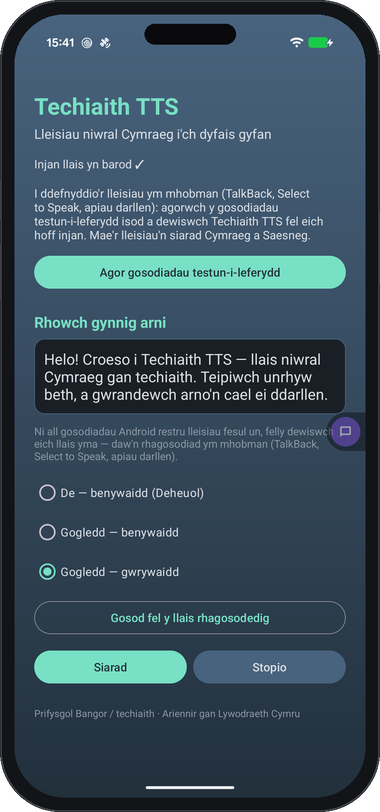
Three voices, two languages
Choose a southern female voice, a northern female voice or a northern male voice. Each speaks both Welsh and English and decides sentence by sentence which language it is reading, so a Welsh message with an English name in it, or an English page with Welsh place names, sounds right without switching voices.
Reads like a person
Numbers, times, dates, prices and abbreviations are read out in full in the language of the sentence: “15:45” is quarter to four, “Tue 8 Sept” is Tuesday the eighth of September. Pauses follow the structure of the text, so listening is easy.
On every device
iPhone, iPad and Mac. Android phones and tablets. Windows PCs. The same three voices, the same quality, on all of them.
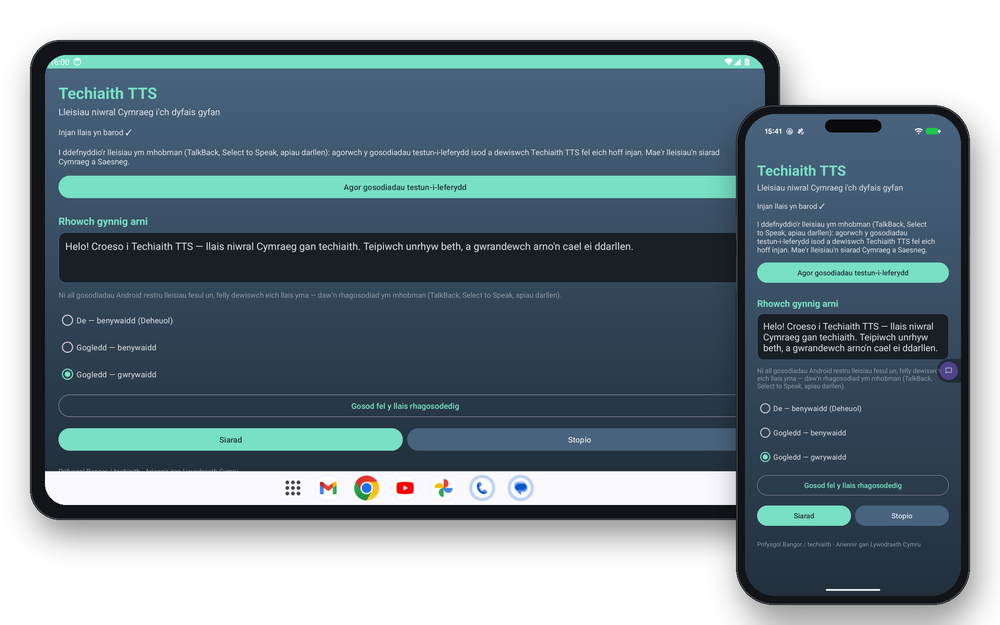
Private, offline, free
Speech is produced on the device. The app has no internet access, collects no data and sends nothing anywhere. It works with no connection, and it costs nothing.
Private
No internet access, no data collected, nothing sent anywhere.
Offline
The voice model runs on the device and works with no connection.
Free
No cost, no account, no adverts.
Give your device a Welsh voice today
Free on Google Play, the App Store and for Windows.
Choose the voice where your device speaks
Menu names are given in English because iOS and Windows have no Welsh interface.
iPhone, iPad
- Open the app once, then restart the device so iOS registers the voices.
- Go to Settings → Accessibility → Spoken Content → Voices → Welsh / English → choose a Techiaith voice.
- For VoiceOver go to Settings → Accessibility → VoiceOver → Speech → Voice (the top row, your primary voice) → a Techiaith voice.
Android
- Open the app, choose a voice and tap “Set as default voice”.
- Go to Settings → Accessibility → Text-to-speech output → Preferred engine → Techiaith TTS
- TalkBack, Select to Speak and reading apps use it from their next start.
Windows
- Run the installer as an administrator.
- Go to Settings → Time & Language → Speech → Voice to set the default voice for Word’s Read Aloud and other programs.
- For NVDA go to Preferences → Settings → Speech → Synthesizer: Microsoft Speech API version 5 → a Techiaith voice.
- For Narrator go to Settings → Accessibility → Narrator → Narrator’s voice.
The same voice on the web and on the device
Techiaith TTS is a Piper (VITS) neural voice model trained by the Language Technologies Unit on recordings by professional Welsh speakers. A Welsh and English front end, techiaith-g2p, turns text into phonemes: it normalises numbers, times, dates and money, chooses each sentence’s language from a corpus, and pronounces words from the Bangor pronunciation dictionary. The same code runs on the web, on iOS, on Android and on Windows, so every device sounds exactly like our API service.
Resources for developers
- Model: huggingface.co/techiaith/cy_en_GB-bu_tts (CC BY)
- Text processing: pypi.org/project/techiaith-g2p (CC0)
- REST API: API services